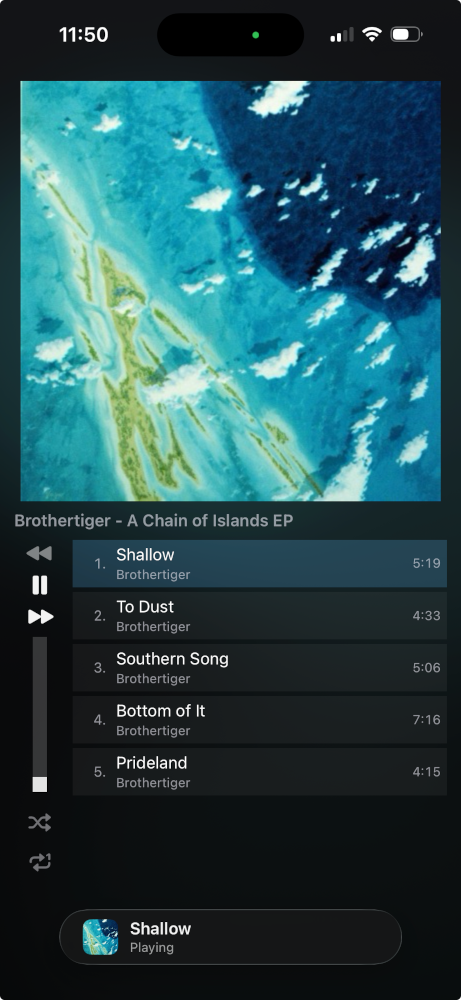
Tauon for iOS
Tauon for iOS is a companion mobile music player app with a similar folders as albums design to Tauon on Desktop.
The app is currently in development, with a public beta available on TestFlight. Note that app is heavily in beta, and may be changed or removed in the future.
Main Modes
Section titled “Main Modes”- Import folders locally on your phone.
- Connect to Tauon Desktop to remote-control playback.
- Stream audio from Tauon Desktop to your phone.
How To Remote Control
Section titled “How To Remote Control”- Enable
Enable remote controlin Tauon:Menu > Settings > Function Page 4, then restart Tauon. - In Tauon for iOS, enable
Remote Connection, then select your computer (or enter your PC hostname/IP address). - Select a remote playlist from the list, then swipe right to view albums.
- Disable
Remote Connectionwhen done. Any saved playlists will remain.
Screenshot
Section titled “Screenshot”