

Internet Radio
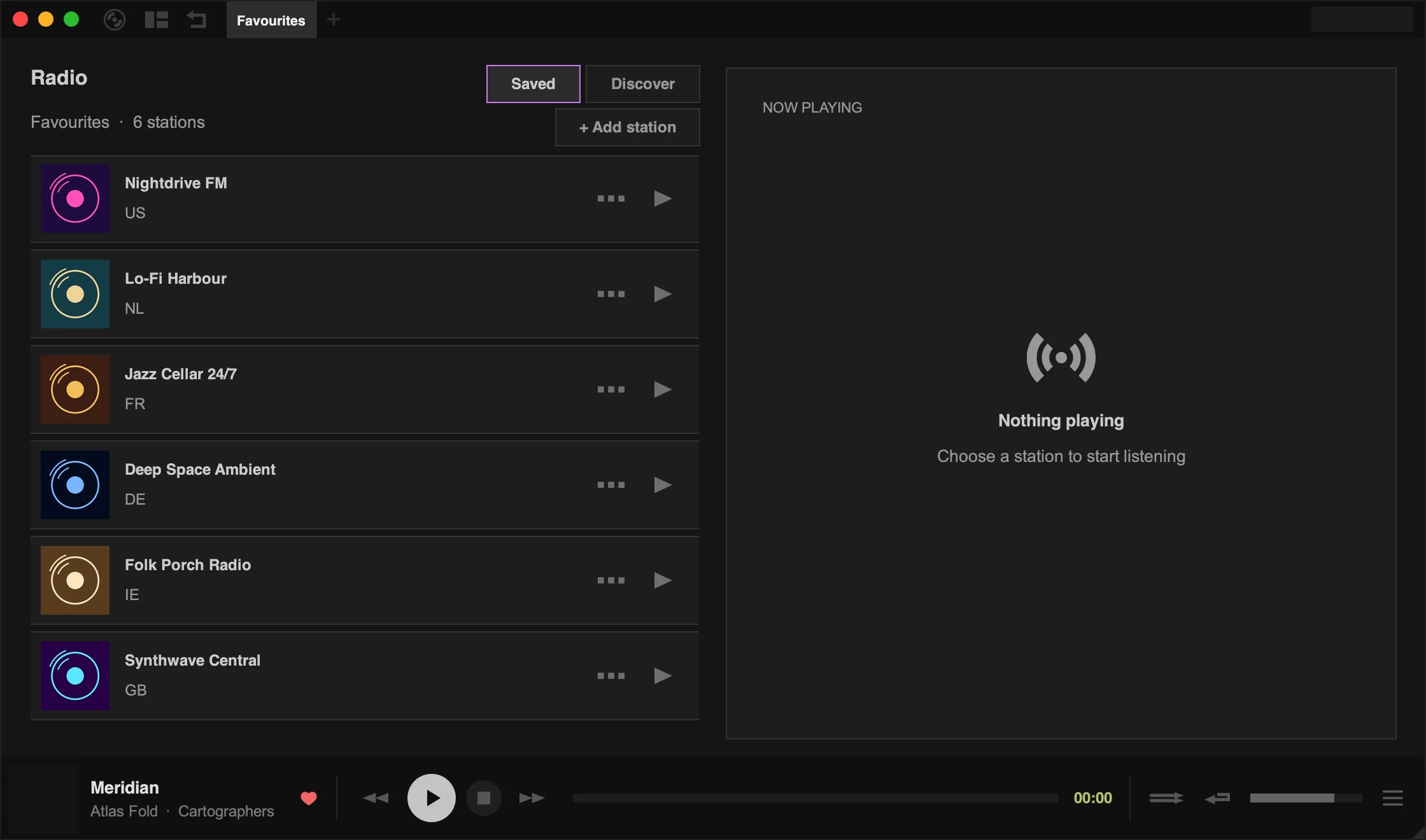
Tauon can play internet radio streams. Click the layout button (the second button in the top-left corner) and choose Radio.
Find stations
Section titled “Find stations”Click Discover to browse the Radio Browser directory:
- Type a station name or genre in the search box and click Search.
- Use the Country Filter to narrow results to a country.
- Picks shows featured stations and Top shows the most popular ones.
Click a station to play it, or Save to add it to your saved stations.
Saved stations
Section titled “Saved stations”Saved shows your saved stations. Radio stations are kept in their own lists, shown as tabs in the top panel while you’re in the radio view. Choose New Radio List from the main menu to make another list.
To add a station that isn’t in the directory, click + Add station and enter its name and stream URL. You can drop an image onto the dialog to use as the station’s picture.
Right-click a saved station for Edit…, Visit Website and Remove.
Recording
Section titled “Recording”Tauon can record radio as you listen, splitting the stream into separate tracks where the station provides track titles. Turn on Settings › Library › Imports › Record radio, then restart playback.
Recorded tracks are added to a playlist called Saved Radio Tracks. Press F9 to open the folder they’re saved in.