

Settings
Open the main menu (the record icon in the top-left corner) and choose Settings.
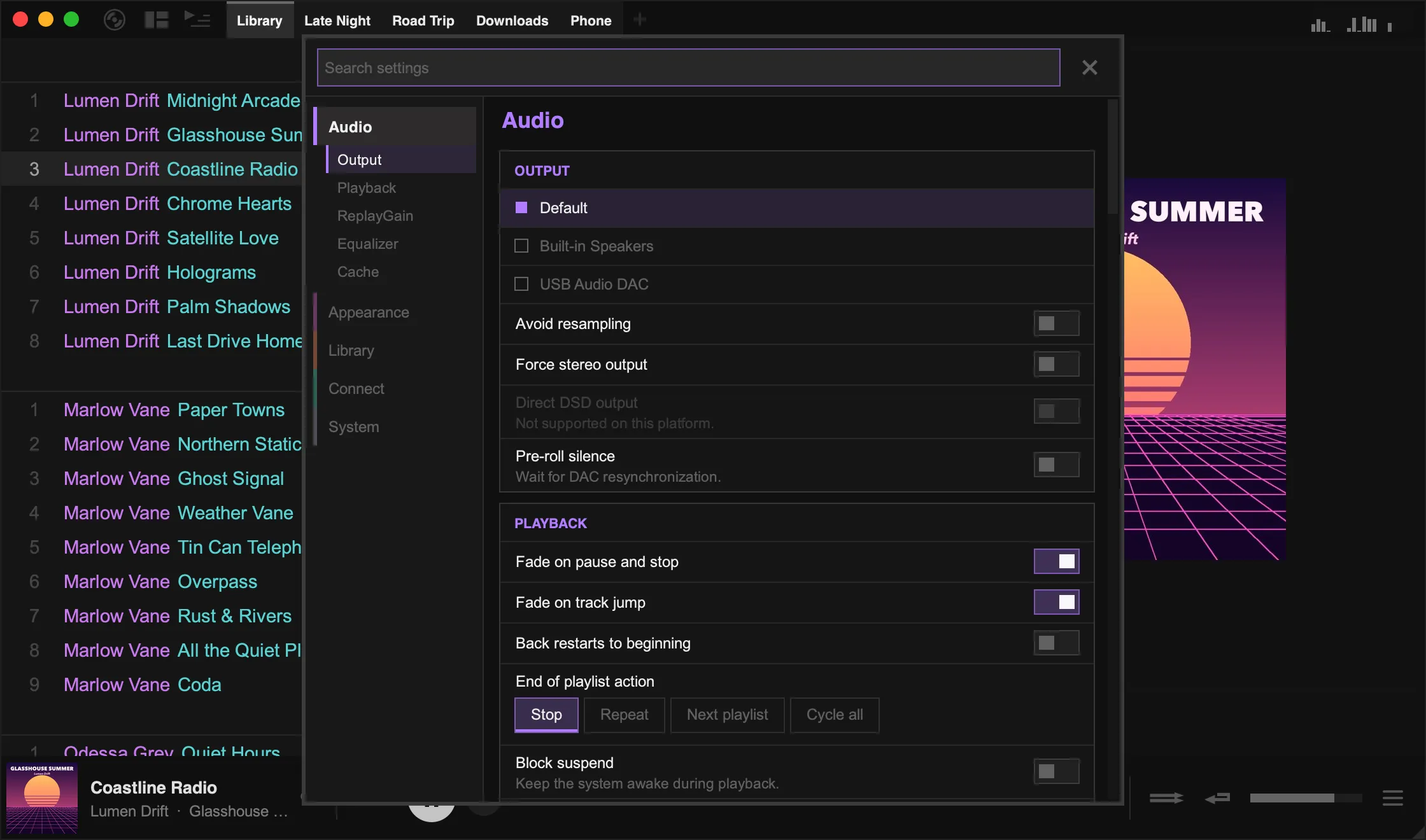
Search
Section titled “Search”Type in the search box at the top to find a setting by name or by what it does. For example, searching “bit perfect” finds Avoid resampling, and “scale” finds Interface scale.
Search also covers right-click menus. If an option lives in a menu rather than in Settings, the result tells you where to right-click.
Groups
Section titled “Groups”| Group | Sections |
|---|---|
| Audio | Output device and audio options, playback behaviour, ReplayGain, a 10-band equaliser, and caching for network tracks |
| Appearance | Themes and background styles, window options (including interface scale), tray icon, and layout order |
| Library | Playlist options, importing and archives, transcoding, lyrics, sync to device, library stats, and the album chart generator |
| Connect | Scrobbling services, network sources, and sharing (remote control, Listen Along and Discord) |
| System | The data folder, config file and keymap, gamepad input, playlist export folders, and diagnostics |
Undoing changes
Section titled “Undoing changes”When you change something, a bar at the bottom of the window lists your changes. Click Undo all to return everything to how it was when you opened Settings.
Some settings only take effect after a restart. These are marked while they differ from their original value, and listed in the bottom bar.
Options in right-click menus
Section titled “Options in right-click menus”Many display options are kept next to the thing they change, rather than in Settings:
| Option | Where to find it |
|---|---|
| Gallery thumbnail size and titles | Right-click empty space in the gallery |
| Tracklist columns, font size, row height, loves and ratings | Right-click a track › Layout |
| Track menu search links (Wikipedia, Genius, Bandcamp, Sonemic) | Right-click a track › Layout |
| Playlist tabs and the top-panel visualiser | Right-click empty space in the top panel |
| Centered side panel style and Zoom Art to Fit | Right-click the side-panel album art |
| Showcase visualiser and wide mode | Right-click empty space in the Art + Lyrics view |
| Mini modes and the classic bottom panel | Right-click empty space in the bottom panel |
Advanced settings
Section titled “Advanced settings”A few rarely used options are only in the config file. In Settings, go to System › Files and click Open config file. After editing it, click Reload edited config (some options still need a restart).