

Scrobbling
Tauon can record what you listen to (“scrobble”) to Last.fm, Libre.fm, ListenBrainz and self-hosted Maloja servers.
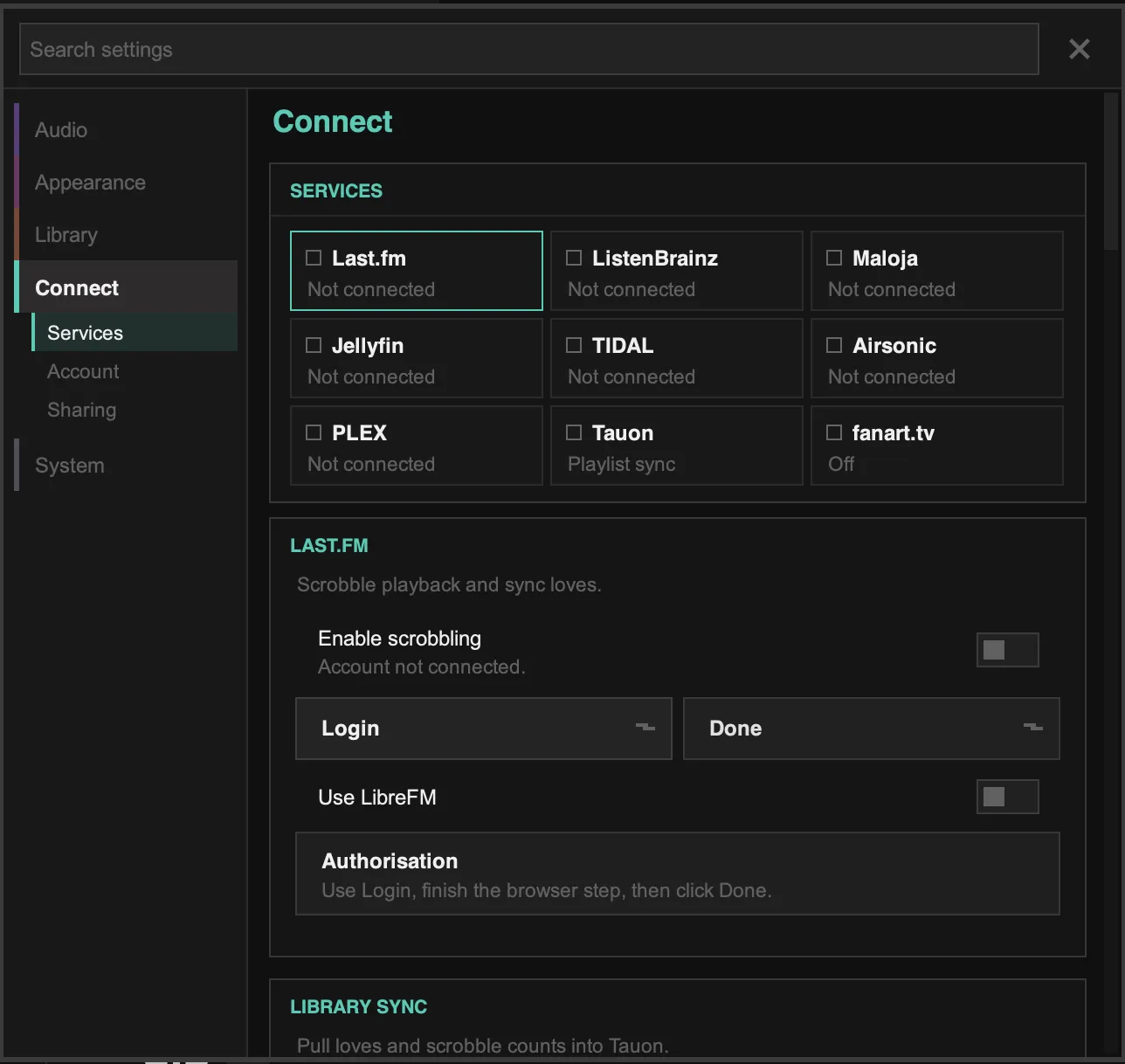
Set these up in Settings › Connect. Each service has a tile showing whether it’s connected. Click a tile to open its settings below.
Last.fm
Section titled “Last.fm”- Click the Last.fm tile, then Login. Your web browser opens.
- Sign in to Last.fm and allow access for Tauon.
- Return to Tauon and click Done.
- Make sure Enable scrobbling is on.
To use Libre.fm instead, turn on Use LibreFM before you log in.
Once you’re logged in, you can also:
- Get user loves to copy your loved tracks from Last.fm into Tauon
- Get friend loves to see which tracks your friends love
- Get scrobble counts to show your Last.fm play counts in Tauon
- Turn on Pull love on scrobble/rescan to keep loves in sync. This replaces Tauon’s love status with Last.fm’s.
- Turn on Show threshold marker to mark the point on the seek bar where a track counts as scrobbled.
ListenBrainz
Section titled “ListenBrainz”- Copy your user token from your ListenBrainz settings page.
- In Tauon, click the ListenBrainz tile, then Paste token.
- Turn on Enable scrobbling.
Maloja
Section titled “Maloja”- Click the Maloja tile.
- Enter your Server URL and API key.
- Click Test connectivity to check the details.
- Turn on Enable scrobbling.
Pausing scrobbling
Section titled “Pausing scrobbling”While a scrobbling service is active, the main menu has an item showing Scrobbling is Active. Click it to pause scrobbling temporarily, for example while someone else is using your computer. Click it again to resume.
Radio and network servers
Section titled “Radio and network servers”- Each service has a Scrobble Radios switch for internet radio.
- Media servers such as Jellyfin, Plex and Subsonic can scrobble on their own. To avoid double scrobbles, turn off Allow local scrobbling in that server’s settings in Tauon (or turn off scrobbling on the server).